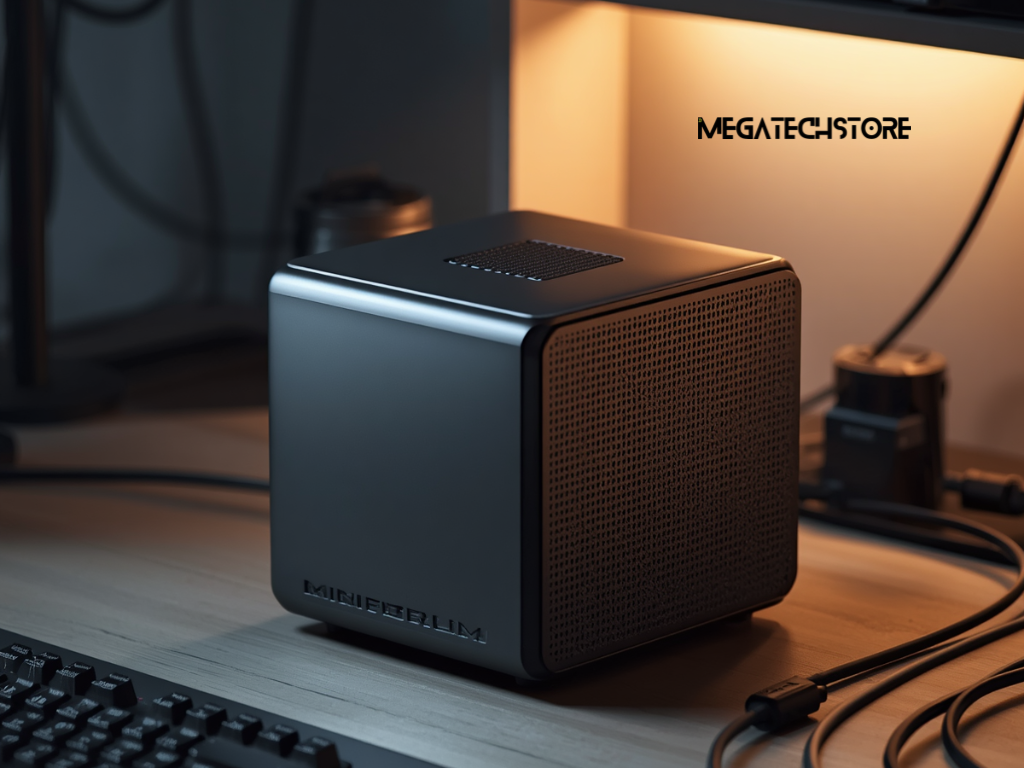
A mini PC can provide the main features of a desktop computer in a much smaller case. It may suit a home office, reception desk, study area, media setup or workspace where desk space is limited.
However, small size does not mean every model offers the same performance. A Minisforum PC designed for office applications may be very different from one intended for creative work, local AI tasks or gaming.
The Australian Minisforum range currently includes compact office computers, higher-performance mini workstations, AI-focused systems and gaming-oriented models. Model availability, prices and configurations can change, so buyers should check current specifications before ordering.
For people searching for minisforum Australia, the main goal should be to match the computer to the intended workload. Processor performance, graphics, memory, storage, ports, cooling and support all affect the final choice.
Separate everyday computing from demanding workloads
Begin by listing the programs and tasks the computer will run.
General office work may include email, web browsing, video calls, documents, spreadsheets and cloud applications. These tasks usually place moderate demands on the processor and graphics system.
More demanding work may include video editing, software development, engineering applications, large data files or several virtual machines. These uses can require a faster processor, more memory and stronger cooling.
Gaming also needs separate consideration. Many mini PCs use integrated graphics, which share system memory with the processor. This can support media playback and some lighter games, but it may not match a full-size gaming desktop with a dedicated graphics card.
Some higher-end Minisforum models include stronger graphics options or support connections for external graphics hardware. Buyers should check the exact model rather than assuming every Minisforum unit offers the same capability.
Consider how the computer may be used later
A computer should meet current needs without becoming unsuitable too quickly.
A user who works with one monitor today may want two or three displays later. A small SSD may seem sufficient until large applications, media files and updates begin using more space.
Think about whether the computer may need to support additional software, remote access, local backups or heavier multitasking.
Buying the highest specification is not always necessary. However, choosing a system with no spare capacity can lead to another purchase sooner than expected.
A practical approach is to allow reasonable room for growth while avoiding features that the user is unlikely to need.
Compare Processors and Graphics Carefully
The processor affects how quickly the computer completes most tasks.
Processor names can be confusing because a newer mid-range chip may perform differently from an older high-end chip. Buyers should compare the full processor model, generation, core count and intended power range.
For everyday work, a modern efficient processor may provide smooth performance without producing excessive heat.
Creative applications, code compilation and heavy multitasking may benefit from more cores and stronger sustained performance. However, compact computers can have tighter thermal limits than larger desktops.
Independent performance testing can be helpful, but results should come from the same processor and mini PC configuration. Cooling and power settings may affect how two computers with similar processors perform.
Understand integrated and dedicated graphics
Integrated graphics form part of the processor package and usually share system memory.
They can handle normal desktop use, streaming, video playback and some creative work. Modern integrated graphics may also run selected games at suitable settings, although results vary by game, resolution and memory configuration.
Dedicated graphics use separate graphics hardware and memory. They generally suit more demanding gaming, rendering and graphics-heavy applications.
Current mini PCs range from compact systems with integrated graphics to larger premium models with dedicated mobile graphics. Recent reviews show that high-performance mini systems can support stronger gaming and creative workloads, although upgradeability may remain more limited than in a traditional desktop.
Buyers should check real performance for the software they intend to use rather than relying on broad labels such as gaming, professional or AI PC.
Choose the Right Memory and Storage Setup
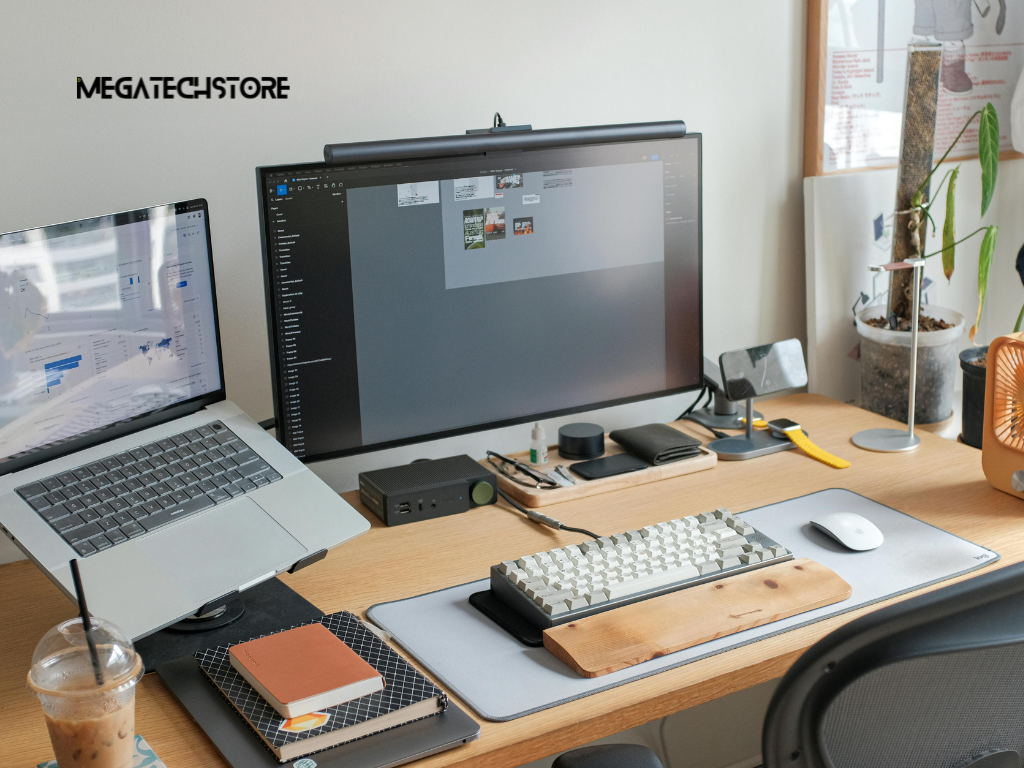
Decide how much RAM is practical
Memory affects how many applications and browser tabs the computer can handle at once.
A basic office setup may need less memory than a system used for editing, development or virtual machines. The operating system and background applications also consume part of the available RAM.
Check whether the model uses replaceable memory modules or soldered memory. Replaceable modules can make future upgrades easier.
Some barebones Minisforum systems require the buyer to install compatible memory. The supported type, speed, capacity and module arrangement should be confirmed for the exact model.
Using unsupported mini PC parts may cause instability or prevent the computer from starting.
Where integrated graphics share system memory, memory capacity and configuration can also affect graphics performance.
Check storage capacity and expansion options
The advertised SSD capacity is not fully available for personal files because the operating system, recovery data and installed applications use part of it.
Office users should consider documents, email storage and application updates. Creative users may need much more space for video, images, design files or project backups.
Check how many internal storage slots the mini PC provides and which drive sizes and formats it supports.
Some models may accept more than one NVMe SSD, while others have fewer expansion options. Exact limits must be checked in the current model specifications .
External drives and network storage can increase capacity, but they also add cost and cables. The best arrangement depends on whether the user needs fast local storage, portable backups or shared access.
Review Ports, Displays and Network Connections
Do not assume that every USB-C port can connect to a monitor.
Review the exact HDMI, DisplayPort, USB-C and USB4 capabilities of the model. Confirm the supported resolution, refresh rate and number of simultaneous displays.
A unit may advertise support for several monitors, but the available resolution or refresh rate can change when all outputs operate together.
The monitor inputs also matter. An adapter or dock may be required when the mini PC and monitor use different connections.
People who use high-resolution creative displays should check compatibility carefully. Office users should also confirm that the system supports their preferred two-monitor or three-monitor arrangement.
Check accessories and network requirements
List the devices that must connect to the computer.
These may include a keyboard, mouse, webcam, printer, external drive, headset and card reader. Enough accessible USB ports should remain after the main accessories are connected.
USB4 or another high-speed connection may be useful for docks, fast storage or selected external graphics solutions. However, the features supported through each port can vary.
For networking, compare Ethernet speed, Wi-Fi generation and Bluetooth support.
A business transferring large files across a local network may benefit from faster Ethernet. A general home user may place more importance on stable Wi-Fi.
Check whether the system includes an Australian-compatible power supply and any necessary cables before ordering.
Compare Barebones and Complete Systems
Understand what is included in the price
A barebones mini PC usually includes the case, motherboard, processor and cooling system. It may not include RAM, storage or an operating system.
A complete system normally includes enough parts to start using the computer, although the exact package can vary.
Read the configuration name and product description carefully. Images may show a complete desktop setup even when the listed product is barebones.
Check whether the price includes memory, an SSD, Windows, a power adapter and wireless components.
A pre build PC may cost more initially, but it can reduce compatibility work and setup time. A barebones system may suit an experienced buyer who wants to select each part.
Calculate the complete setup cost
The lowest advertised price may not represent the final cost.
A barebones unit may need memory, storage and an operating-system licence. The buyer may also need a monitor, keyboard, mouse, webcam and cables.
Installation time should also be considered. Incorrect parts or poor assembly can create delays and support problems.
Compare the total cost of a complete Minisforum configuration with the cost of buying a barebones model and adding mini PC parts separately.
Warranty arrangements may also differ when components come from several sellers. Each supplier may handle only the part it sold.
Calculate the full setup cost before deciding which option offers better value.
Choose the Right Product and Seller
Compact computers usually offer less internal space than standard desktop towers.
Check whether the memory and storage are accessible and whether opening the case affects any warranty condition. The official warranty excludes some damage linked to unauthorised disassembly, repair or modification, so buyers should read the applicable policy before making changes.
Cooling also deserves attention. A system used for long rendering, gaming or other sustained workloads may generate more heat than one used for basic office tasks.
Read reviews that test noise and sustained performance, not only short benchmark results.
Support is equally important. Ask whether the seller can help with setup, compatibility, faults and warranty claims.
Check warranty and Australian consumer protections
Warranty information can differ between websites, sales regions, product categories and purchase channels.
The Minisforum Australian store currently promotes warranty and technical support, while other official Minisforum warranty pages describe different periods for particular products or regions. Buyers should confirm the written warranty that applies to the exact product and seller before purchase.
Keep the invoice, order confirmation and product serial number.
Products purchased through third-party retailers may need to be returned through that retailer for refunds, replacements or after-sales service.
Australian Consumer Law provides automatic consumer guarantees in addition to any voluntary warranty. These rights cannot be removed or replaced by a shorter manufacturer warranty.
When to Contact Mega Tech Store

Ask for help comparing configurations
Mega Tech Store can be contacted when a buyer needs help comparing a Minisforum PC with another mini PC or pre build PC.
Explain how the computer will be used. Mention the main applications, number of monitors, storage needs and any gaming or creative requirements.
Ask whether the model is barebones or complete. Confirm the processor, RAM, SSD, operating system and included accessories.
Mega Tech Store should also be asked whether it stocks the model or obtains it through another supply channel .
Product availability and configurations can change, so request written confirmation before ordering.
Confirm current stock and after-sales support
Before purchasing, ask Mega Tech Store about current stock, dispatch times and delivery arrangements.
Confirm who handles faults, returns and warranty claims. Ask whether support is provided locally and whether the computer must be sent elsewhere for inspection.
The written quote should identify the full model and configuration. Similar Minisforum models may have different processors, memory, storage or connectivity.
Also ask whether upgrades are completed before delivery and how those added parts are covered.
By comparing the workload, hardware, included components and support arrangements, buyers can choose a Minisforum mini PC that suits their real needs rather than relying only on size or headline specifications.