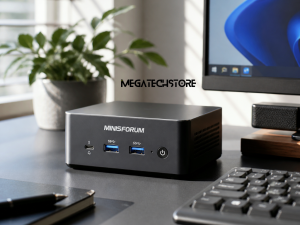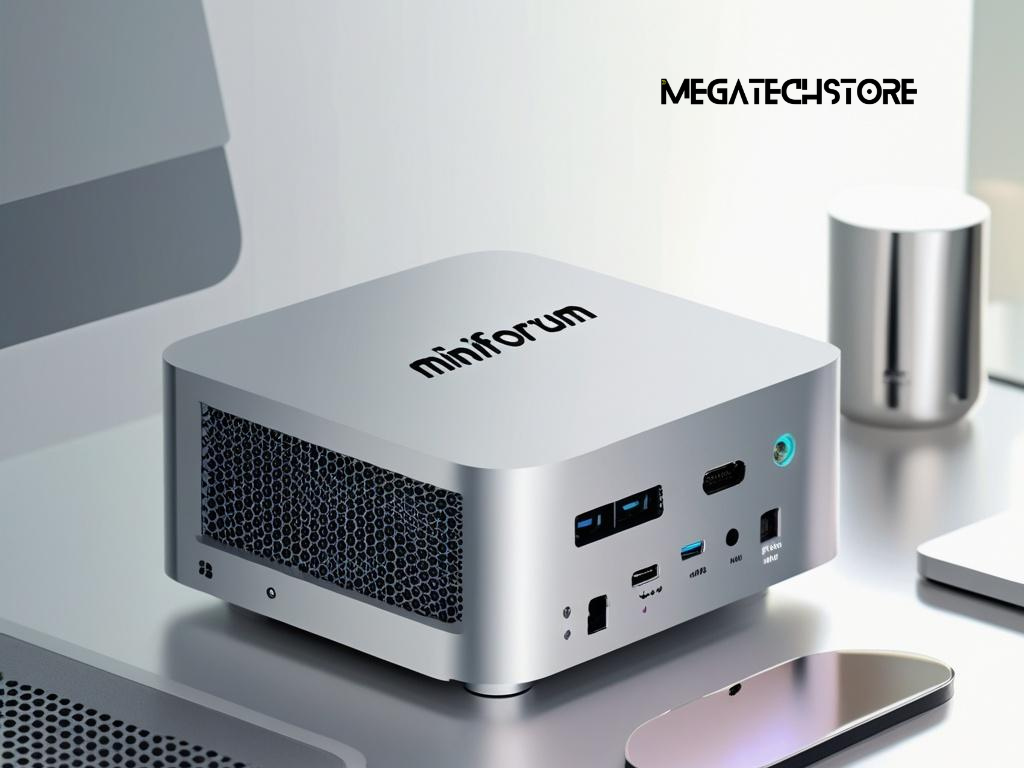
People searching for minisforum australia will often find two versions of the same compact computer. One may be described as a barebone unit, while the other includes memory, storage and sometimes an operating system. Although both versions may use the same processor and enclosure, they do not provide the same buying experience.
A barebone computer can offer more control over the final configuration, particularly when the buyer already owns compatible components or wants to choose specific memory and storage. However, it also requires additional research, installation and software setup. A prebuilt system usually costs more at the beginning, but it can provide a simpler path to a working computer.
The right option depends on your technical confidence, budget, intended workload and expectations for warranty support. This guide explains the practical differences so you can compare the full cost and responsibilities rather than choosing based only on the advertised price.
What a barebone mini PC normally includes
A barebone computer is a partially completed system that normally includes the case, motherboard, cooling system, processor and power equipment. The exact package can vary, but buyers are often required to supply their own memory, storage and operating system.
This means a barebone minisforum pc may not be ready to start when it arrives. It may turn on only after compatible RAM and an SSD have been installed, and it will still need an operating system before it can be used for ordinary work.
The main advantage is flexibility. Instead of accepting the memory and storage selected by the manufacturer or retailer, the buyer can choose components that match their preferred capacity, speed and budget. Someone who already owns suitable mini pc parts may also avoid paying for components they do not need.
However, the term barebone should never be interpreted without checking the product listing. Some packages may include memory but no storage, while others may include storage without an operating system. The contents should be confirmed for the exact product and configuration before an order is placed.
What buyers can expect from a prebuilt configuration
A prebuilt configuration usually includes the memory and storage required to operate the computer. It may also come with Windows installed, although this should be confirmed because not every complete hardware package includes an activated operating system.
The primary benefit is convenience. The buyer does not have to identify compatible memory modules, install an SSD or prepare operating system installation media. When the supplier has assembled and tested the system, there may also be less uncertainty about whether the included components work correctly together.
A pre build pc is often the safer option for someone who wants a computer for work, study or household use without spending time on assembly. It can also simplify technical support because the supplier may be able to review the whole configuration rather than treating the memory, storage and software as separate purchases.
Nevertheless, prebuilt does not always mean ready for every user. Monitors, keyboards, mice, speakers and other accessories are commonly sold separately. Buyers should also confirm whether the computer has completed its initial setup or whether Windows configuration and updates will still be required.
The Parts and Setup Required for Each Option
Memory, storage and operating system requirements
The most common parts required for a barebone mini pc are RAM and an M.2 solid-state drive. However, the required type, speed and physical format can differ between models.
Memory is particularly important because laptop-style SODIMM modules are commonly used in compact computers. A buyer must confirm the supported generation, maximum capacity and recommended speed. DDR4 memory cannot be installed in a DDR5 slot, and a system may not support every capacity or speed offered by a component manufacturer.
Storage compatibility also requires checking. Many Minisforum systems use M.2 NVMe drives, but the available slots may support particular lengths, interfaces or capacity limits. Some models provide more than one M.2 slot, while others may include room for an additional drive.
An operating system is another cost that can be missed when comparing prices. A barebone system normally requires the user to install Windows or a compatible Linux distribution. Windows installation may require a separate licence, a bootable USB drive, suitable drivers and an internet connection.
The product documentation should be checked before buying any separate component. Compatibility should not be assumed simply because a part has the correct general name or appears to fit physically.
Installation, configuration and testing responsibilities
Installing memory and an SSD usually involves opening the enclosure, locating the correct slots and securing each component properly. While this may be straightforward for an experienced user, compact systems can contain small connectors, tightly arranged cables and limited working space.
The user must take reasonable precautions against static electricity and avoid damaging screws, cables or the motherboard. They must also follow the manufacturer’s instructions because opening procedures differ between models.
Once the hardware has been installed, the system may need to recognise the memory and storage through its firmware. The buyer must then install the operating system, obtain the correct drivers, complete updates and test the computer.
Testing should cover the memory, storage, network connection, audio, display outputs and USB ports. It is better to identify a problem before important files and applications are moved onto the machine.
With a configured minisforum pc, much of this work may already be completed. However, buyers should ask whether the supplier has only installed the components or has also tested the operating system, drivers, ports and network connection.
Comparing the Real Cost of Both Configurations

Looking beyond the advertised product price
A barebone model often has a lower advertised price because several essential components are not included. This can make it appear substantially cheaper than a complete computer even when the final difference is relatively small.
A fair comparison begins by adding the cost of compatible RAM, an SSD and an operating system. Delivery charges, accessories and professional installation may also need to be included.
For example, a buyer comparing a barebone model with a 32GB and 1TB configuration should calculate the cost of purchasing the same memory and storage separately. The comparison should use components of a similar quality and specification rather than the cheapest available alternatives.
The cost of time also matters. An experienced user may enjoy selecting and installing components. Someone unfamiliar with computer hardware may spend several hours researching compatibility, installing software and solving driver problems.
Barebone does not automatically mean better value, and prebuilt does not automatically mean overpriced. Value depends on the total configuration, component quality, included support and the amount of work required after delivery.
Accounting for software, accessories and technical help
The operating system is one of the most important additional expenses. A product may be described as having a complete hardware configuration while still being supplied without Windows. Buyers should confirm whether a valid and activated operating system is included.
Adapters may also be required. A buyer planning to use older monitors may need suitable display cables or converters. A compact workstation could also need a USB hub or docking device if the available ports do not support every accessory.
Technical assistance should be considered as part of the value comparison. A cheaper overseas purchase may appear attractive until the buyer needs help with a faulty component, incompatible memory or a return.
Australian buyers should check whether prices are shown in Australian dollars, whether GST is included and where the product will be dispatched from.
Performance, Compatibility and Upgrade Potential
Choosing components that suit the intended workload
A barebone system allows the buyer to match memory and storage more closely to the intended workload. However, adding more expensive components does not always improve performance in a meaningful way.
For general office work, online meetings, web applications and media use, a balanced memory and storage configuration is usually more useful than purchasing the maximum supported capacity. A system with sufficient RAM and a responsive SSD can provide a comfortable everyday experience without unnecessary expense.
Software development, content creation and virtual machines may require more memory and storage. Gaming may depend heavily on the graphics hardware and memory configuration rather than storage capacity alone.
Current mini PC models range from modest office computers to higher-performance systems designed for gaming and demanding workloads. Some recent Minisforum systems offer substantial memory and storage capacity, while gaming-focused models may include stronger integrated or dedicated graphics. The exact capability still depends on the individual model and configuration.
Buyers should begin with the applications they intend to run and compare those requirements with the complete specification. Purchasing the highest available numbers without considering the workload can result in unnecessary spending.
Understanding upgrade options and physical limitations
Mini PCs often provide more upgrade potential than laptops, but less internal expansion than a traditional desktop tower. Memory and storage may be replaceable, while the processor and graphics hardware are usually fixed to the motherboard.
The number of memory and storage slots should be confirmed before purchase. A system with two memory slots may arrive with both occupied, which means upgrading later could require replacing the existing modules rather than adding another one.
Storage expansion can also vary. Some systems have multiple M.2 slots, while others provide only one. A second slot may support a different speed or physical drive length.
External expansion may be possible through USB4, Thunderbolt-compatible connectivity or OCuLink on selected models. However, buyers should not assume that every USB-C port supports high-speed storage, graphics or monitor output. The capabilities of each port must be checked in the official specification.
A standard desktop remains more suitable when the buyer expects to replace the graphics card, power supply, processor or motherboard over time. A mini PC is generally selected for its compact size and integrated design rather than maximum internal expansion.
Which Minisforum Option Is Right for You?
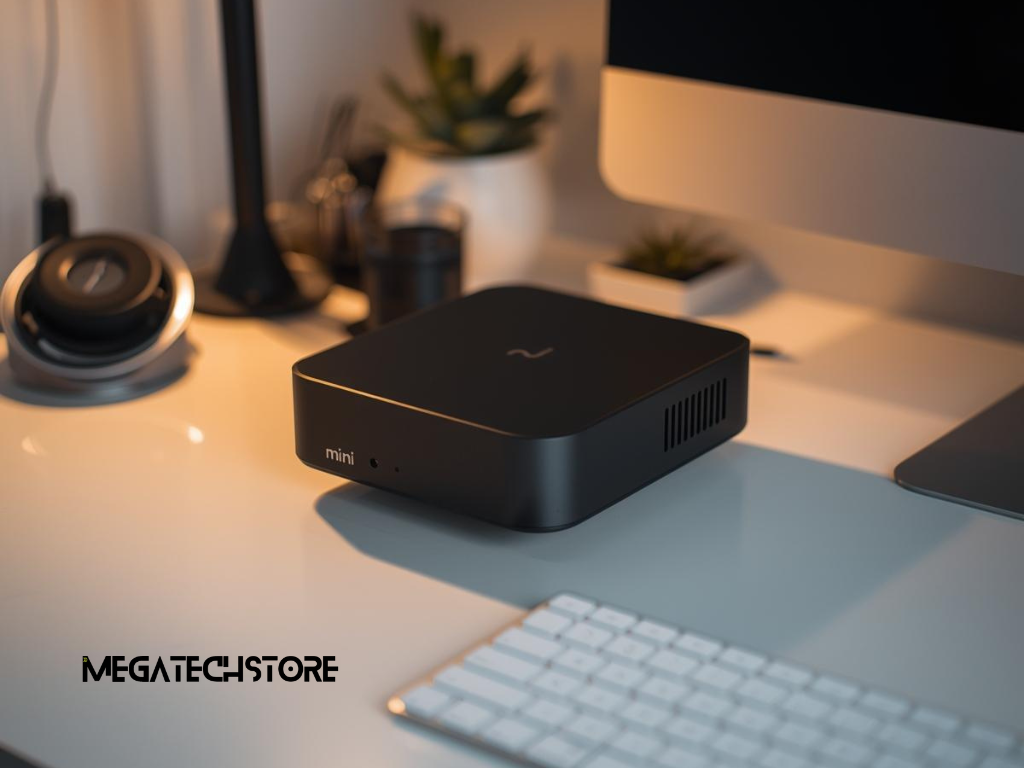
When a barebone system is the more suitable choice
A barebone system can suit someone who understands memory, SSD and operating system installation. It may also be practical when the buyer already owns compatible parts or wants a configuration that is not available as a standard package.
It can provide greater control over the brand, capacity and performance of the installed components. This may appeal to technical users, developers, home server builders and people who prefer Linux.
A barebone model can also make sense when the buyer wants to install a larger SSD from the beginning instead of paying for a smaller included drive that will soon be replaced.
However, the buyer must be prepared to manage component warranties separately. If a problem develops, it may be necessary to determine whether the issue comes from the mini PC, memory, storage or software before contacting the relevant supplier.
Barebone is therefore most suitable when customisation and control are more important than convenience.
When a complete prebuilt system offers better value
A configured system is usually better for someone who wants a working computer with minimal setup. It may also be preferable for a business that needs consistent devices, clear support arrangements and less disruption during installation.
A prebuilt model can reduce compatibility concerns because the memory and storage have already been selected for the system. When installation and testing are included, it may also reduce the risk of receiving a machine that cannot be used immediately.
This option can be particularly useful for home office users, students, reception staff and small businesses without internal technical support.
A prebuilt system may cost more, but that difference can cover assembly, testing, software preparation and easier warranty assistance. The buyer should compare what is actually included rather than treating the higher price as a simple component markup.
The best configuration is the one that delivers the required performance and support without creating technical work the buyer does not want to manage.
Choosing an Australian Supplier and Getting Support
Checking local warranty, stock and return conditions
Choosing a suitable tech store involves more than finding the lowest price. Buyers should confirm whether the product is held in Australian stock, supplied by a local distributor or ordered from overseas after purchase.
Local stock may offer faster delivery and a simpler return process, but this should be confirmed directly. An Australian website address alone does not guarantee that the product will be dispatched locally.
The warranty terms should identify who handles faults, where the computer must be sent and whether the buyer is responsible for return delivery. The supplier should also explain whether the warranty covers the complete configuration or whether separate components are handled individually.
For a preconfigured system, ask whether the memory and storage are covered by the same support process as the main computer.
Clear product descriptions, accessible contact details and written return conditions are useful trust signals. Buyers should be cautious when important information is missing or difficult to obtain.
When to contact Mega Tech Store for assistance
Contacting Mega Tech Store may be helpful when you are unsure whether a barebone or configured Minisforum system better suits your needs.
Before making contact, prepare the names of the applications you use, your preferred budget, the number and resolution of your monitors and the amount of local file storage you expect to need. You should also mention whether the system will be used for office work, study, creative software, development, gaming or another specialised task.
This information allows the supplier to discuss a relevant configuration rather than simply recommending the highest specification.
Customers in Sydney or Western Sydney may also wish to ask about local stock, delivery, collection, setup support and warranty arrangements. These details can change, so they should be confirmed before ordering.
Contact the company before purchasing when you are uncertain about memory compatibility, storage support, monitor connections, operating system inclusion or whether a particular mega computer configuration will run your required software.
Final Checks Before Placing an Order

Confirming exactly what is included in the package
Before paying, read the full product name and configuration rather than relying on the main product image. Several versions may appear on the same page, including barebone, memory and storage combinations, or different processor models.
Confirm the processor, installed RAM, SSD capacity and operating system. Check whether the memory uses one or two modules because this can affect future upgrades and, in some systems, graphics performance.
Review the display outputs and confirm that they support your intended monitors. USB-C ports should be checked for data, charging and video capabilities because the connector shape alone does not confirm the supported functions.
Also confirm the power adapter supplied for Australian use, the contents of the box and whether mounting hardware is included when required.
Save a copy of the product description, invoice and written warranty terms. This information can be useful if the listing changes after the purchase.
Making a confident and practical buying decision
The difference between a barebone and prebuilt Minisforum system is not only about price. It is also about who selects the components, who installs the software and who is responsible for resolving compatibility issues.
A barebone mini PC offers flexibility and can provide good value for a technically confident buyer. A configured system offers convenience and may provide a clearer support path for people who want a computer that requires less preparation.
Compare the total cost, not just the starting price. Consider the memory, storage, operating system, installation time, accessories, warranty and support required to make the computer useful.
Once these factors are clear, you can choose a Minisforum system that fits your workload and technical confidence without paying for unnecessary hardware or taking on unwanted setup work.