Minisforum is known for compact desktop computers. The official Minisforum Australia store lists mini PCs, workstations, AI PCs and NAS products for gamers, creators, home users and office users. It also promotes free shipping, 30-day returns and a 3-year warranty on the Australian store, although buyers should confirm the terms before purchase.
This product range means buyers can compare more than one type of compact system. Some models may suit everyday office work. Others may suit higher-performance tasks, business use or workstation-style needs.
The right model depends on the workload. A basic mini PC may suit emails, documents and browsing. A stronger model may be better for heavier multitasking, larger files, more displays or light creative work.
Why Australian buyers compare mini PCs before purchasing
Australian buyers often compare mini PCs because they want a desktop-style setup without a large tower. Market summaries describe the Australian mini PC category as sitting between traditional desktop towers and small stick-style devices, with use across home-office infrastructure, consumer electronics and commercial edge computing.
This makes mini PCs useful for people who want a clean workspace and a fixed computer setup. They can also suit businesses that need compact machines for counters, meeting rooms, digital displays or office desks.
Still, compact size can involve trade-offs. Buyers should check performance, cooling, upgrade options, ports and support before choosing a model.
Common Uses for a Minisforum PC
Home office, study, media and everyday computing
A Minisforum PC may suit home office and study tasks such as email, web browsing, video calls, document editing, spreadsheets, online learning and general admin work. It can also work as a compact media computer when connected to a monitor or TV.
For everyday use, the most important factors are smooth performance, enough memory, fast storage and reliable connectivity. A system does not need to be the most expensive model if the workload is simple.
However, buyers should still think ahead. If the computer will run many browser tabs, office apps, video calls and cloud tools at the same time, a stronger specification may feel better over several years.
Business, workstation and light creative use
Mini PCs can also support business settings. They may be used at reception desks, retail counters, meeting rooms, service desks, digital signage screens and compact workstations.
Some higher-performance mini PCs may suit light design, coding, content work and business applications. Current reviews of compact systems also highlight features such as strong office performance, AI-ready architecture, high-speed Ethernet, USB 4.0 and dual HDMI support in some newer models.
That said, demanding video editing, advanced 3D work, large design files or high-end gaming may need stronger graphics or a larger system.
Processor, RAM, storage and graphics requirements
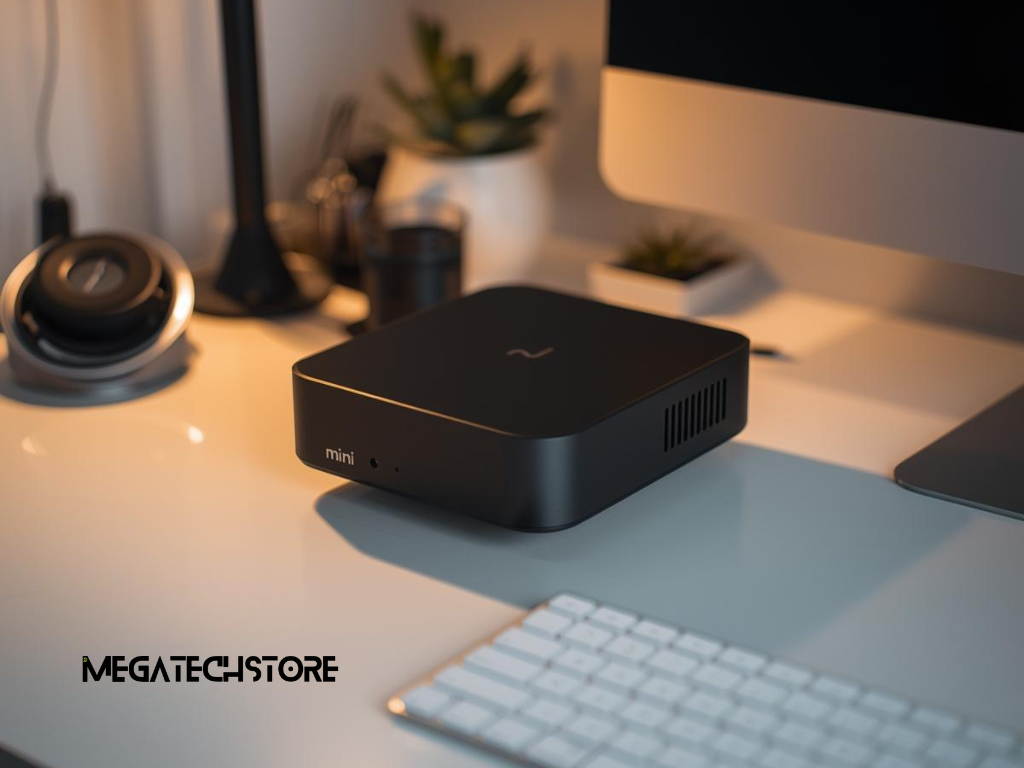
The processor affects how quickly the computer handles daily tasks. For basic office work, a lower-power processor may be enough. For heavier multitasking, business software, coding or light creative work, a stronger Intel or AMD processor may be more suitable.
RAM affects how smoothly the system handles multiple apps at once. Storage affects how many files, programs and updates the computer can hold. SSD storage is usually preferred because it helps the system feel faster in daily use.
Graphics also matter. Integrated graphics may suit office work, browsing, streaming and basic content use. Creative software, gaming or visual workloads may need stronger graphics performance.
Ports, networking, Wi-Fi and monitor support
Ports are important because a compact computer still needs to connect to real-world devices. Before buying, check whether the model supports the monitors, keyboard, mouse, printer, webcam, speakers, external drives and other accessories you plan to use.
Monitor support is especially important. Some users need one screen, while others need two or more. Check the available HDMI, DisplayPort, USB-C or Thunderbolt options before purchase.
Networking also matters. Wi-Fi is convenient, but wired Ethernet may be more reliable for fixed desks, file transfers, video calls and business systems. If your setup needs fast wired networking, make sure the mini PC, router, switch and cable all support the speed you expect.
Mini PC vs Pre Build PC
When a mini PC may be enough
A mini PC may be enough if you need a compact computer for office work, study, browsing, media, admin tasks or light business use. It can suit small desks, home offices, retail counters and workspaces where a tower PC takes up too much room.
Mini PCs can also suit buyers who want a tidy setup. Some models can be mounted behind a monitor, which helps reduce visible clutter.
The key is to match the system to the task. A mini PC should not be chosen only because it is small. It should have the processor, RAM, storage, ports and support needed for your daily work.
When a larger prebuilt system may be more suitable
A pre build PC or larger desktop may be more suitable when performance, cooling and upgrade flexibility matter more than size. This can apply to gaming, heavy editing, 3D work, engineering tools, advanced creative software or long-term upgrade plans.
Larger desktops often have more room for dedicated graphics cards, stronger cooling, larger power supplies and extra internal storage. They may also be easier to upgrade over time.
For some buyers, the better choice is not a mini PC or a desktop by default. It depends on the workload, budget, desk space and expected lifespan.
How to Choose the Right Product or Service
What to ask a tech store before purchasing
Before buying from a tech store, explain how you plan to use the computer. Mention whether it is for office work, home use, study, business systems, media, light creative work, gaming or digital signage.
Ask whether the system includes RAM, storage and an operating system. Also check whether it supports your monitor setup, accessories, network needs and future upgrades.
A good supplier should explain the practical difference between models. They should not simply recommend the most expensive option. The right recommendation should match your workload, budget and support needs.
How to compare warranty, support, stock and setup needs
Warranty and support matter for Australian buyers. Minisforum Australia states that products purchased from the Australian official store on or after March 9, 2026, receive a 3-year warranty, while the warranty page notes that this applies to eligible products purchased directly from the Minisforum AU Official Store. Buyers should confirm the current warranty, return and distributor terms before purchasing.
Stock and delivery also matter. A model may look suitable, but availability can change. If you need a computer urgently, check whether the product is in stock and whether the supplier can support setup questions.
Setup needs should also be reviewed. A mini PC may still need a monitor, keyboard, mouse, webcam, speakers, Ethernet cable, USB hub or external drive.
When to Contact Mega Tech Store
When product advice can help before buying
Mega Tech Store can be mentioned naturally when a customer wants help choosing a Minisforum PC, mini PC, pre build PC or suitable compact setup for home, office or business use.
This is useful when the buyer knows they want a compact computer but is unsure which model, processor, RAM size, storage option or accessory setup makes sense. Mega Tech Store describes itself as an authorised Minisforum retailer in Australia and says it specialises in compact computers from brands including Minisforum and MINIX.
A helpful supplier conversation should begin with how the computer will be used. The best option depends on daily tasks, software needs, workspace size, support expectations and future upgrade plans.
How a supplier can support practical setup decisions
A supplier can help with practical setup choices such as monitor compatibility, cable needs, memory, storage, networking and accessories. This can prevent buyers from choosing a system that looks good on paper but lacks the ports or performance they need.
For example, a home user may want a compact media and browsing setup. An office user may need a quiet dual-monitor system. A business may need several matching units with reliable wired networking.
Planning for Setup, Accessories and Long-Term Use
Why cables, cooling and upgrade options matter
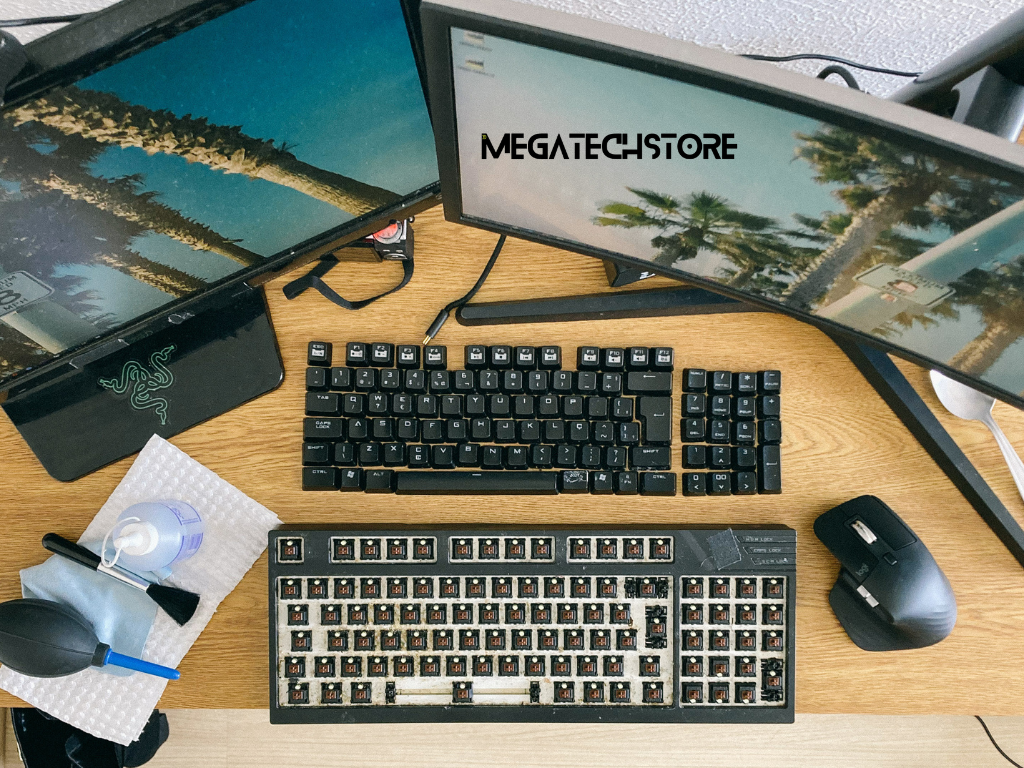
A compact PC setup should be planned before the device arrives. Think about where the system will sit, how much airflow it needs and how the cables will connect to the monitor, power, keyboard, mouse and network.
Cooling matters because small systems have less internal space than full desktop towers. Avoid placing a mini PC in a closed area with poor airflow unless the manufacturer confirms it is suitable.
Upgrade options should also be considered. Some mini PCs allow memory or storage upgrades, while others have more limited options. Check this before buying if you expect the system to last several years.
Internal linking opportunities and next steps
This article can naturally link to related pages such as minisforum Australia, minisforum pc, minisforum, mini pc, mini pc parts, tech store, mega computer, pre build PC, workstation PC and business computer setups.
The next step is to define your main use. Decide whether the computer is for home office work, study, business, media, creative tasks or general computing. Then compare models based on processor, RAM, storage, ports, cooling, warranty, support and local availability.
A well-chosen Minisforum or mini PC setup should give you compact desktop performance without taking up unnecessary workspace.